






Project Introduction to the AI Cat Daily Desktop Companion Robot
 1
I. Project Overview
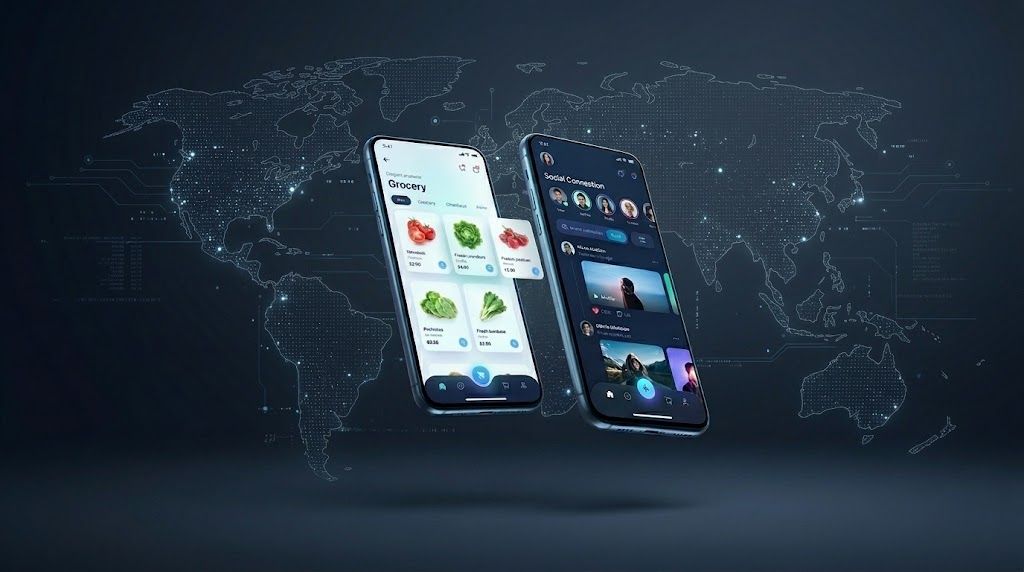
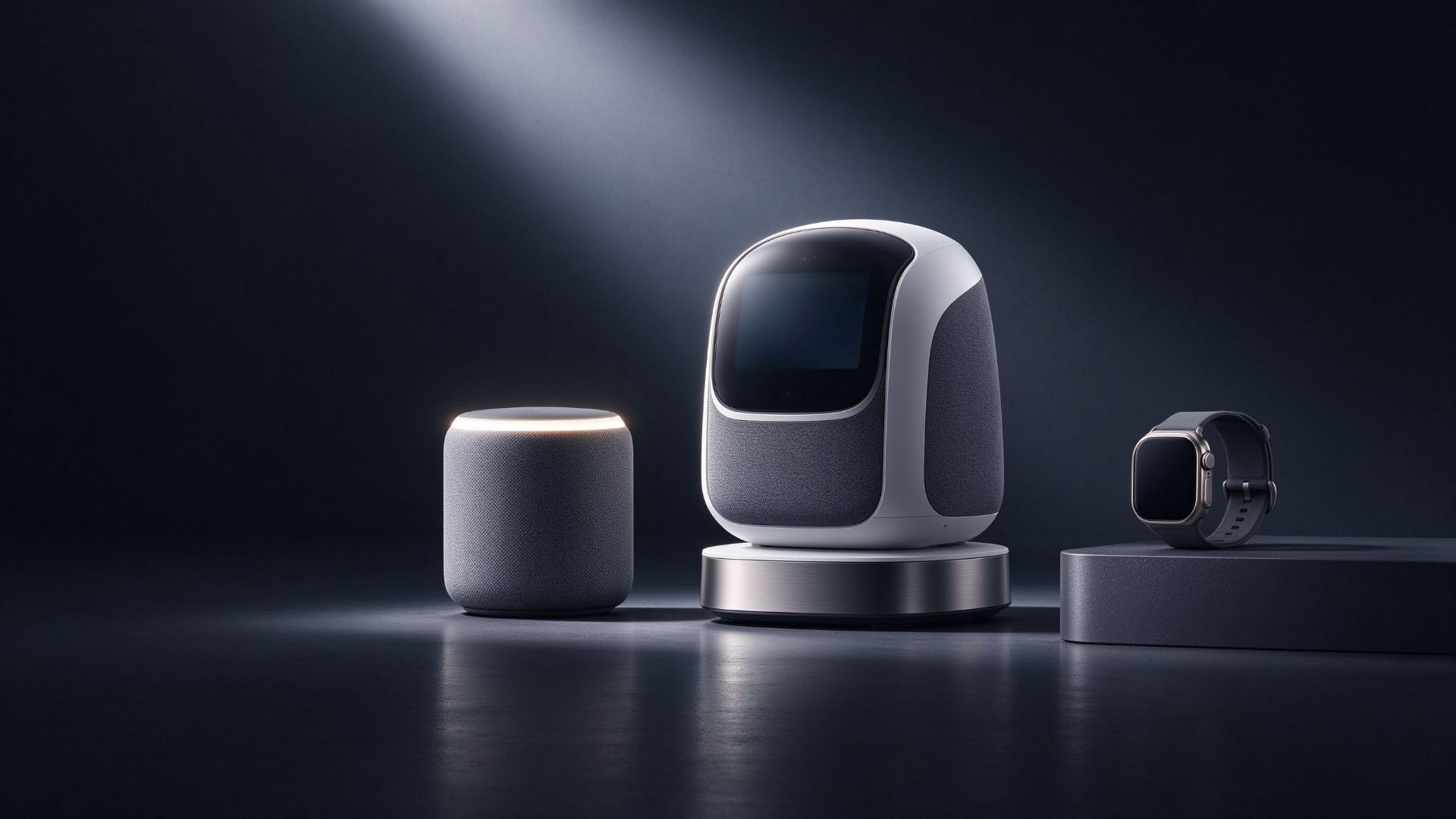
“AICat Daily”is a desktop companion robot project developed by Siring on behalf of Alibaba Group, consisting of a desktop unit and a mobile app. The product is placed on household desks——Living room coffee table, bedroom bedside, study desk—— is a small, always-on robot that provides daily companionship, emotional comfort, and knowledge-based Q&A.
Users complete registration, binding, and network configuration through the mobile app, then interact with the robot's built-in agent via text or voice; the mobile end serves as both the device's primary access point and a unified entry for conversation records and status. Interface design is complete, covering five major modules, 14 core interfaces, enabling direct entry into mini-program development.
II. Project Background
The real-life scenario for family companionship isn't on the phone—it's on the desk: phone attention can be interrupted at any time, while the desktop robot stays in a fixed position, visible when you look up, “Being present”is only possible.
Smart speakers are centered around“commands—responses”; interaction ends upon task completion. The value of companion products lies in their continuous presence: remembering what users have said, detecting emotions in their tone, and naturally initiating conversations without commands. The client has long accumulated expertise in intelligent speech and cloud computing power, migrating large model capabilities to desktop devices, with Siring handling product implementation.
III. Product Positioning and Core Value
Positioned as a desktopAI Partner: Not aiming to be an all-purpose assistant, but rather a long-term, ever-present partner.
Personification is reflected in identity: the agent takes on the form of “Everyday ”The first-person perspective appears, using“Hello, I'm Tiantian.”Build relationships. Perceptibility is reflected on the device, with online status and battery level displayed on mobile. Controllability is reflected in the settings, where timbre, volume, recording, and notifications can all be adjusted or cleared.
IV. Functional Architecture
The application is organized into five major modules, linked by two main threads: devices and accounts.
(1) Login Module
Register with a verification code and check the agreement to address identity and compliance notifications in one step; login supports verification codes, passwords, and third-party accounts.
(II) Dialogue Module
Core interface. Dual text and voice channels, voice replies, and history storage; capabilities are divided into daily companionship, emotional comfort, and Q&A knowledge, while the settings layer allows adjustment of voice tone, volume, and record clearing.
(III) Device Connection Module
QR code scanning, Bluetooth, Wi-Fi The three paths address which device to bind, how to discover it, and how to access the internet; the list displays online status and battery level, supports reconnection and unbinding, and provides progress and failure reasons during network configuration.
(4) Personal Center Module
It aggregates account information, my devices, notifications, theme and font settings, customer service help, version updates, and legal information.
(5) Global Basic Capabilities
This includes pop-up windows and loading states, microphone and Bluetooth permissions, and exception handling, shaping the experience in weak network conditions and authorization failures.
V. Typical Scenarios and User Journey
The first unboxing is the most critical conversion: scanning the code, Bluetooth discovery,Wi-FiAfter successful network configuration and binding, you will be directed to the chat homepage; the configuration page provides“Steps3/4”Progress.
Daily use centers around conversations. Open the app to see the conversation entry and device status, and initiate a chat anytime via text or voice; one sentence“I've been under a lot of work pressure lately.”, what you get is“You've worked hard. Take a deep breath first—I'm here with you every step of the way.”——Address the emotions first, then provide solutions.
VI. Technical Highlights and Implementation Path
The project adopts a three-tier architecture of client, cloud, and device: the client manages accounts, network configuration, and settings; the cloud handles inference and speech synthesis; and the device itself manages audio pickup, playback, and wake-up. The three parties synchronize their states using a unified device identifier; the initial voice response time must be within seconds.
It is recommended to launch first as a WeChat mini program: no installation required and easy for families to share a single device, Taro Development can retain subsequent independent App Space. Implementation will proceed in three steps: design review and high-fidelity prototypes, integration of the three main workflows, and completion of compliance checks for internal testing; the timeline and acceptance criteria are pending confirmation by both parties.
VII. Conclusion
The desktop is the quietest and most enduring spot in the home. AIWhat a cat needs every day is not just a talking little ornament, but a family member who is truly accepted; only when registration, network configuration, conversation, and management are all sufficiently streamlined can genuine companionship take place.



































 Call